Project templates
See actual finished PDF pages, then inspect each page’s source. The handout and guide have two pages each; the design specification has three. All content is fictional and needs author review. Custom sample/CSS reuse terms remain pending owner approval.
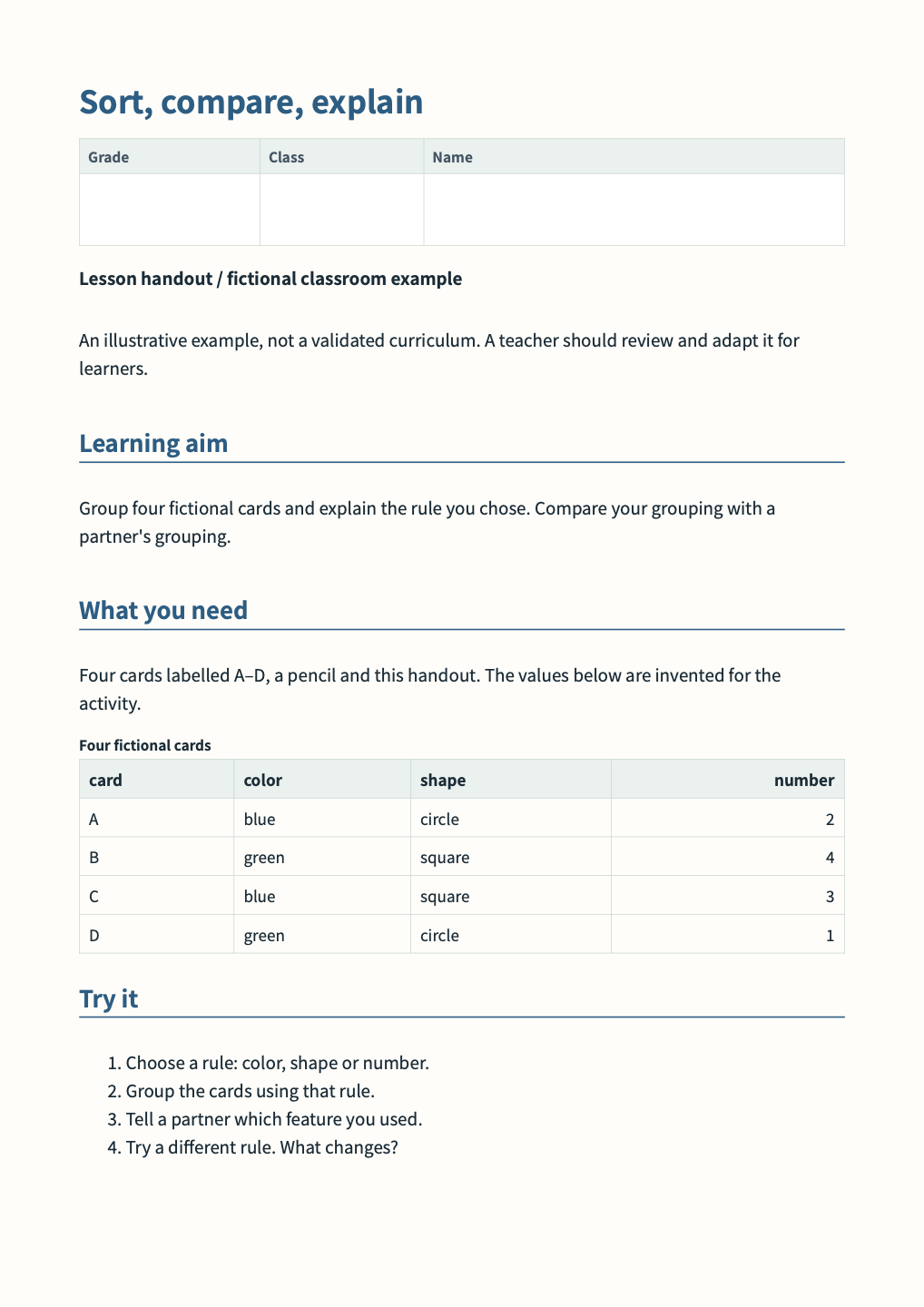
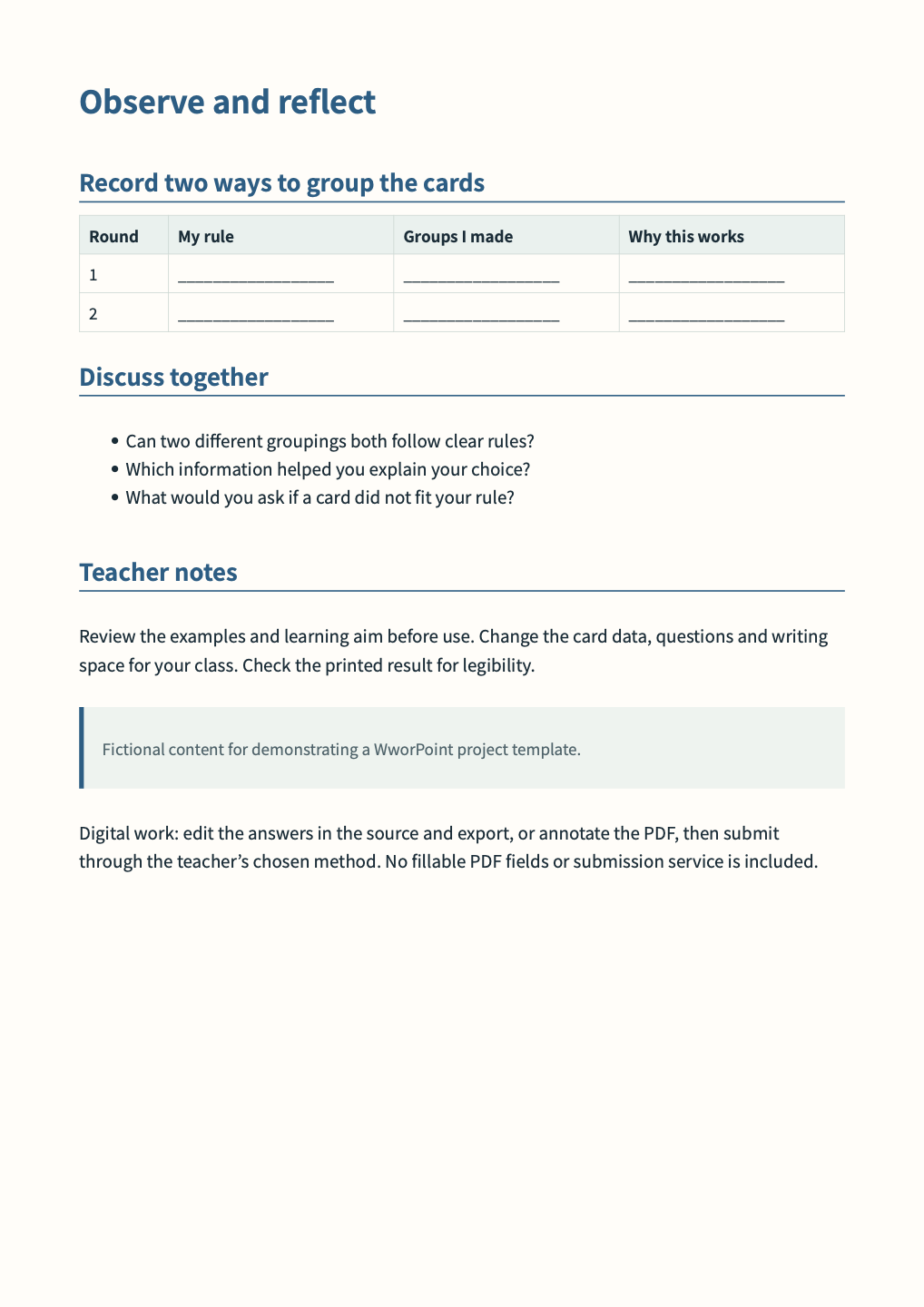
Lesson handout
Section titled “Lesson handout”Printable Grade / Class / Name fields leave handwriting room. For digital work, edit answers in the source and export, or use PDF annotations, then the teacher’s chosen submission method. No fillable AcroForm or submission service is included.
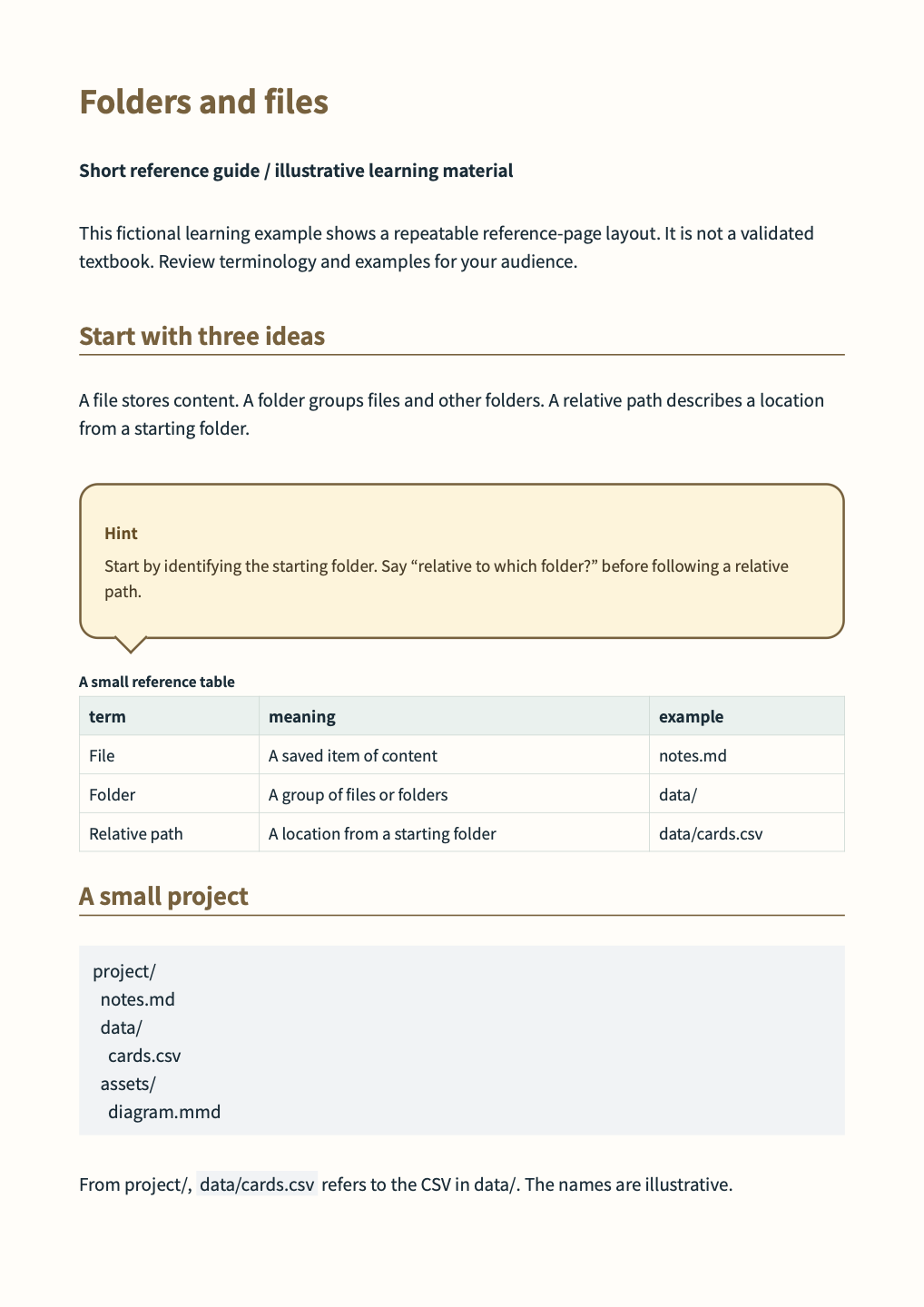
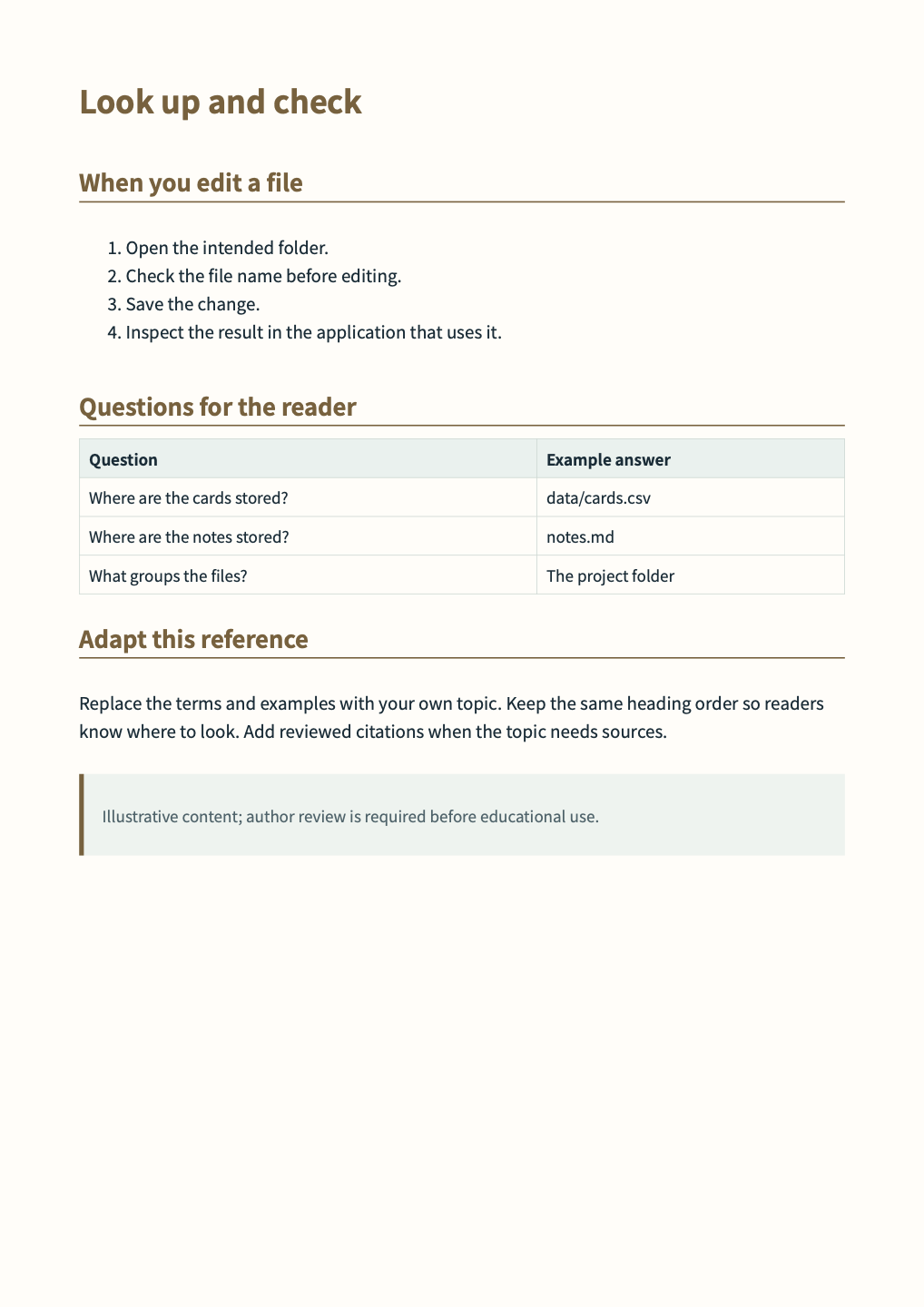
Short reference guide
Section titled “Short reference guide”A speech-bubble Hint box makes the starting point memorable. Edit the topic, definitions, CSV and questions.
Design specification
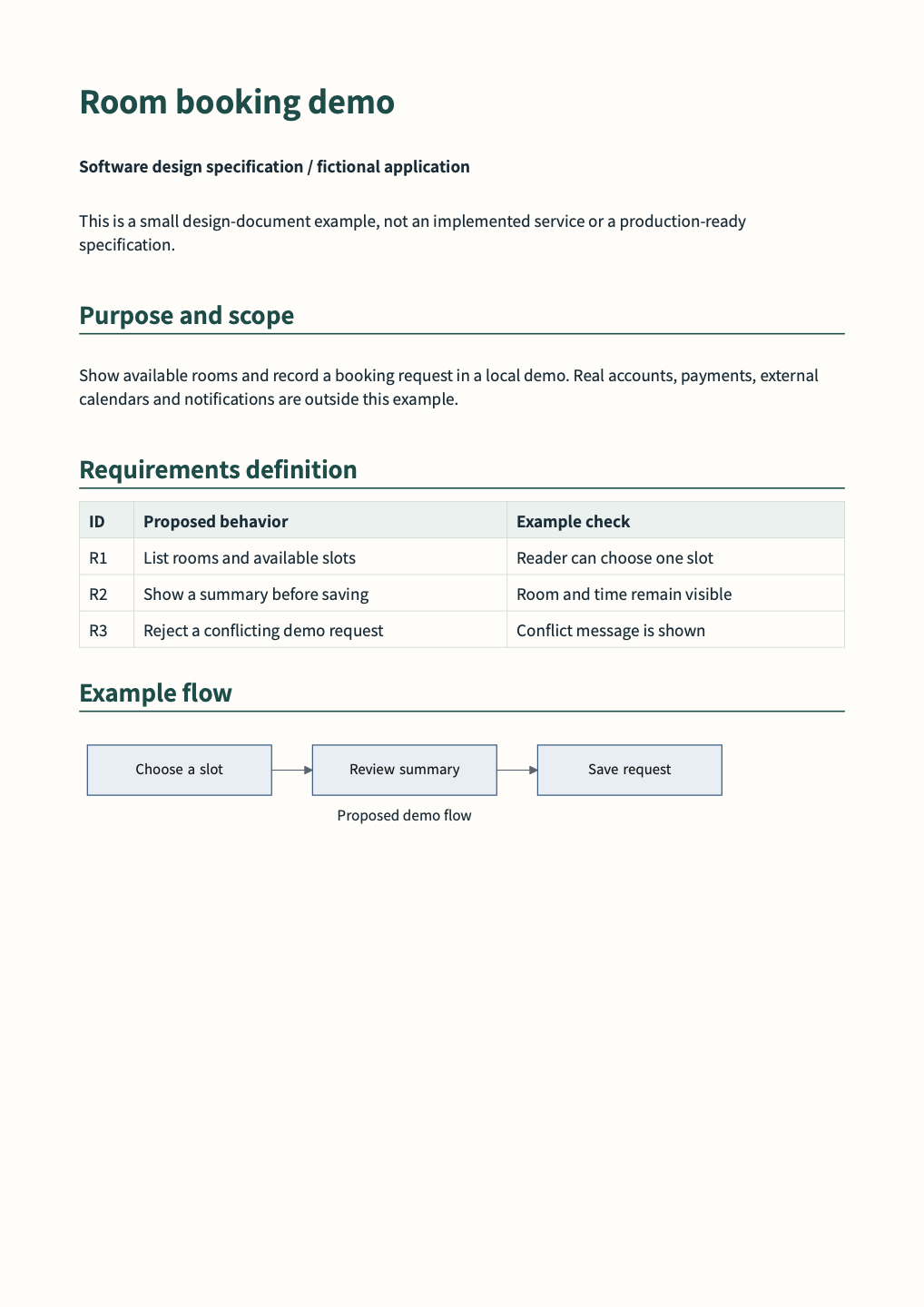
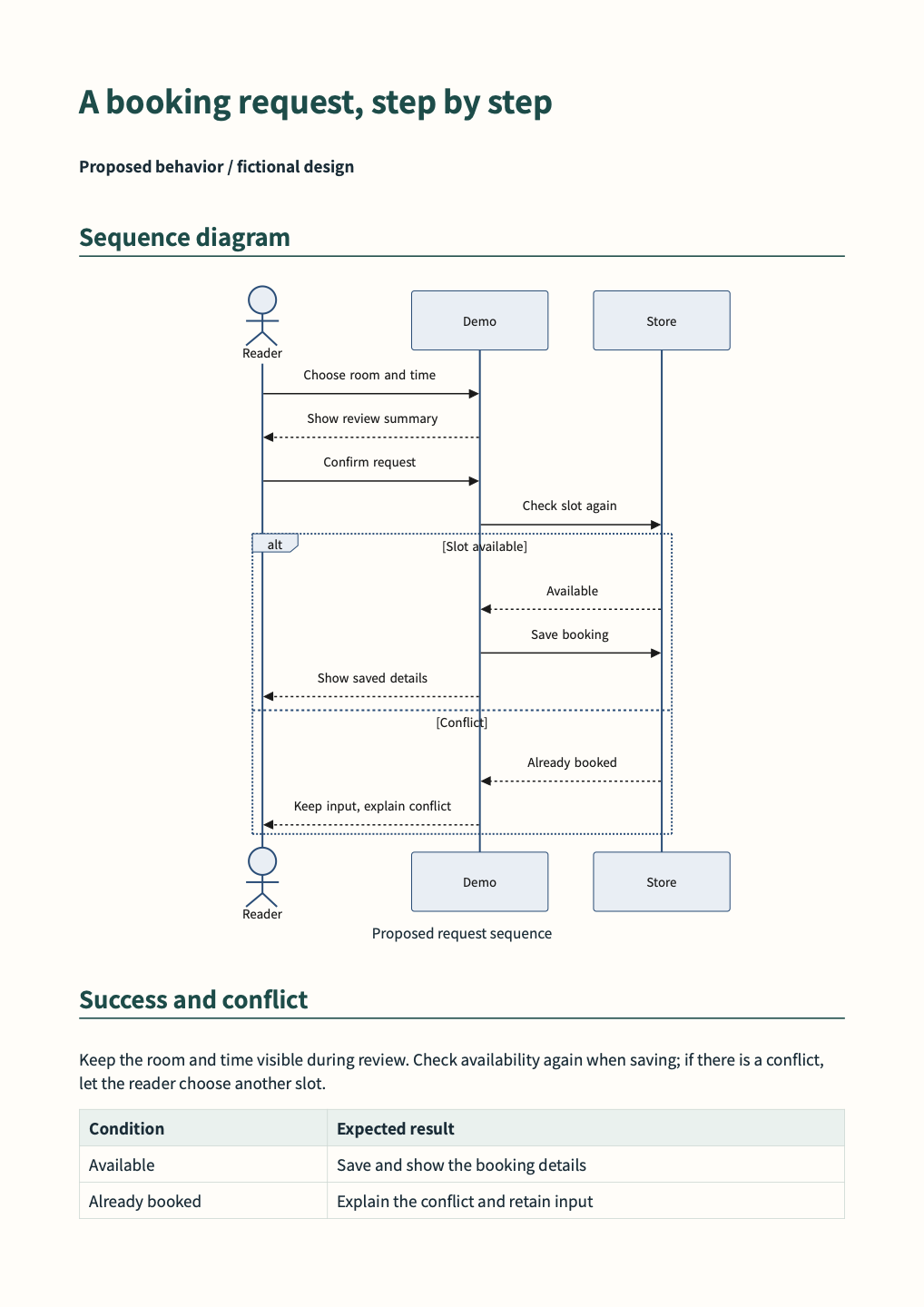
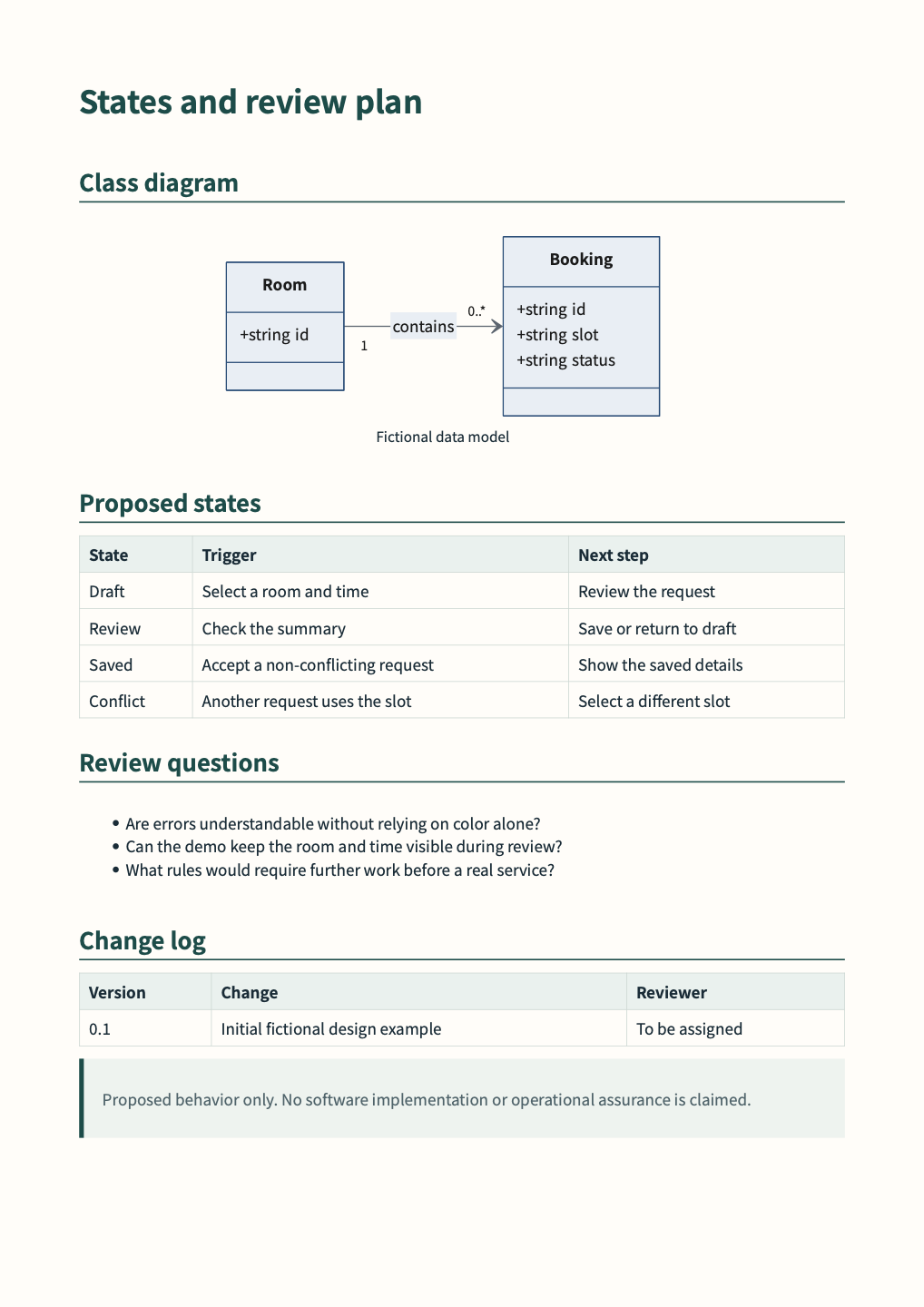
Section titled “Design specification”A requirements table, flowchart, sequence diagram and class diagram connect purpose, behavior and data. This is a proposed design, not an implemented service.
When adapting a project
Section titled “When adapting a project”Inspect the ZIP, copy it to your folder, edit content/data/CSS, then Save → Preview → Validate → Export. These standalone projects extend the existing business preset; no template-picker UI is assumed. PDFs contain 14 actual pages across English and Japanese. HTML uses a continuous reading layout.
Generated with WworPoint 0.1.0 / c657e568. Validation does not establish subject accuracy.