Short reference guide / Page 1 source
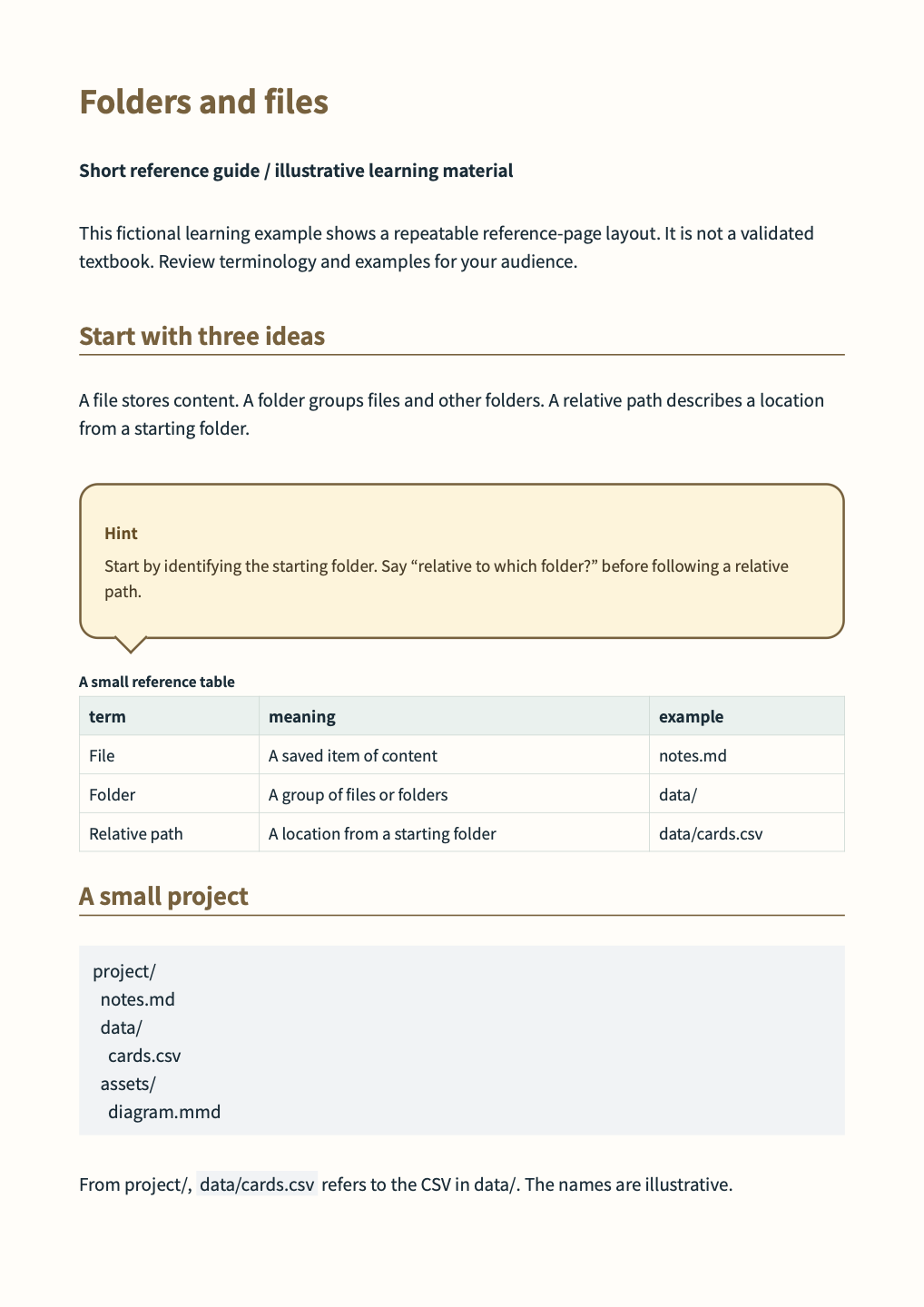
Source for page 1 of 2 of the actual output. Content is illustrative; educational material and design requirements need author review. Use the shared CSS, settings and referenced files with this excerpt.
Markdown for this page
Section titled “Markdown for this page”An excerpt of document.md, split at its explicit page boundary. Separate fixed pages with <!-- wwpo:break -->.
document.md
Section titled “document.md”<!-- wwpo:page flow=fixed -->
# Folders and files
**Short reference guide / illustrative learning material**
This fictional learning example shows a repeatable reference-page layout. It is not a validated textbook. Review terminology and examples for your audience.
## Start with three ideas
A file stores content. A folder groups files and other folders. A relative path describes a location from a starting folder.
<!-- wwpo:block class="hint-bubble" -->
> **Hint**
> Start by identifying the starting folder. Say “relative to which folder?” before following a relative path.
<!-- wwpo:table data=terms caption="A small reference table" -->
## A small project
```text
project/
notes.md
data/
cards.csv
assets/
diagram.mmd
```
From project/, `data/cards.csv` refers to the CSV in data/. The names are illustrative.Referenced visuals and data
Section titled “Referenced visuals and data”data/terms.csv
Section titled “data/terms.csv”term,meaning,example
File,A saved item of content,notes.md
Folder,A group of files or folders,data/
Relative path,A location from a starting folder,data/cards.csv
Design and reproduction
Section titled “Design and reproduction”Headings, spacing, color, tables and page footnotes use the shared CSS and business preset. Page directives and visual definitions shown above also affect the output. The source ZIP on the example overview contains the complete document and required files. Save changes, then preview, validate and export to check them.