Presentations · 10 slides
A ten-slide sales proposal in English, from the problem and evidence to the workflow, rollout and decision.
Sample language: English. “Haruka Works” is fictional. All company/customer information, metrics and outcomes are illustrative, with no real performance or ROI claim.
Generated with the real wwpo 0.1.0 at c657e568. Every PDF page was visually reviewed. Layout validation has zero errors and warnings.
Reuse terms for the custom sample text, CSS, data and illustration are pending review before public release. Source ZIPs are provided for inspection and verification. These terms are separate from the program’s AGPL-3.0-only and the built-in materials’ additional MIT-0 license. See licensing status.
Every page, fitted in view
Section titled “Every page, fitted in view”These are full-page previews without internal scrollbars. Select a card to read the actual Markdown and referenced visuals/data for that page. Full PDF, HTML and source ZIP downloads are in the overview above.
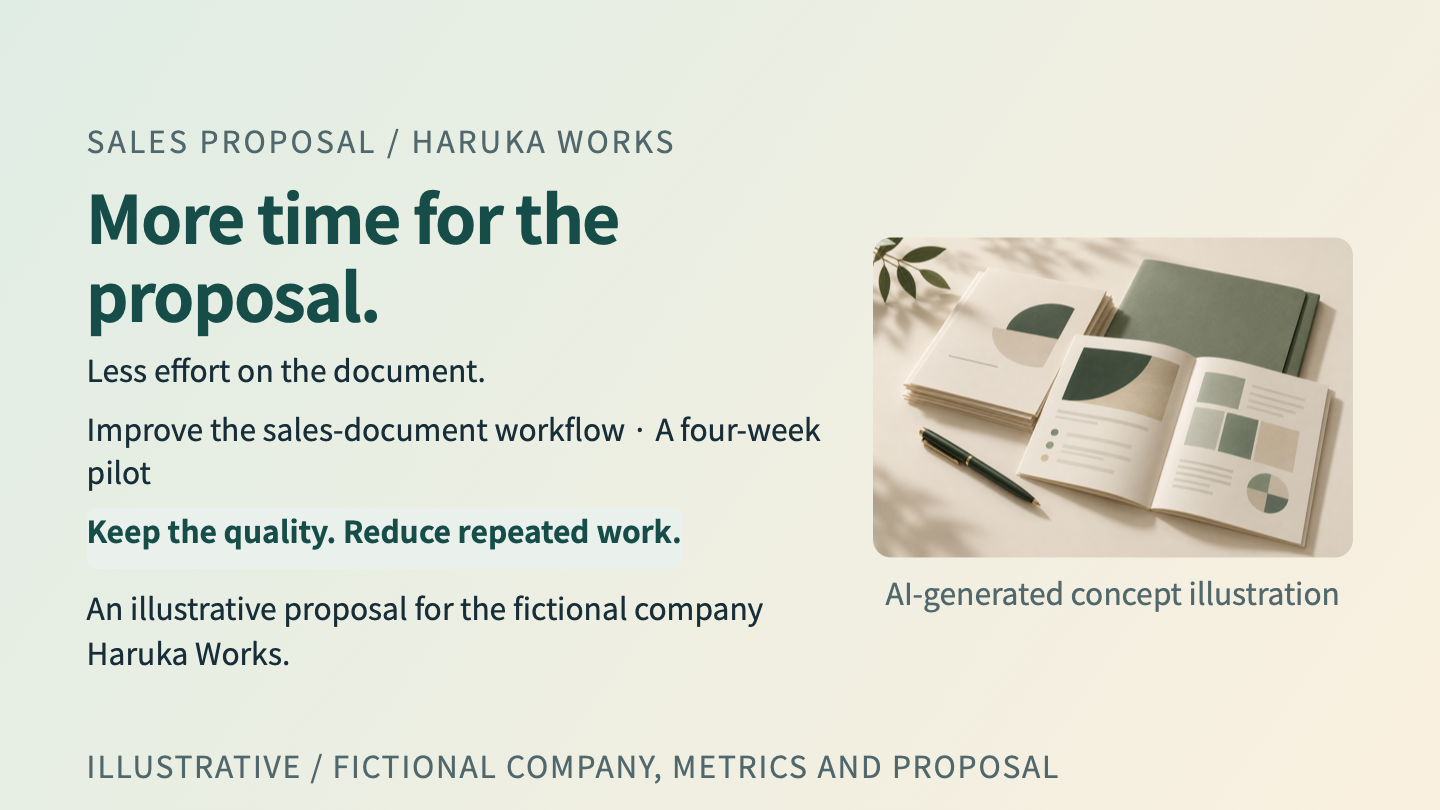 01 / 10A focused sales proposal
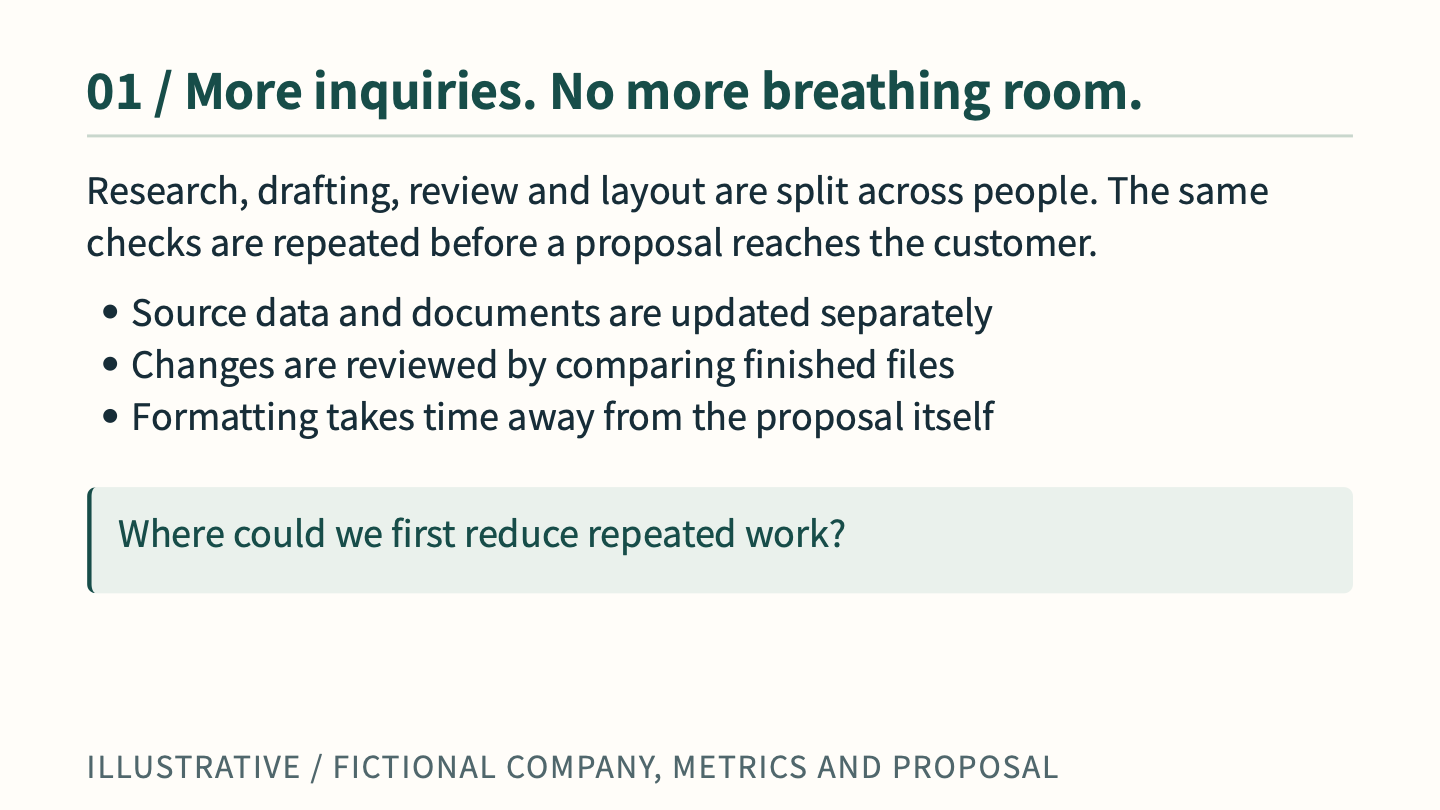 02 / 10The illustrative challenge
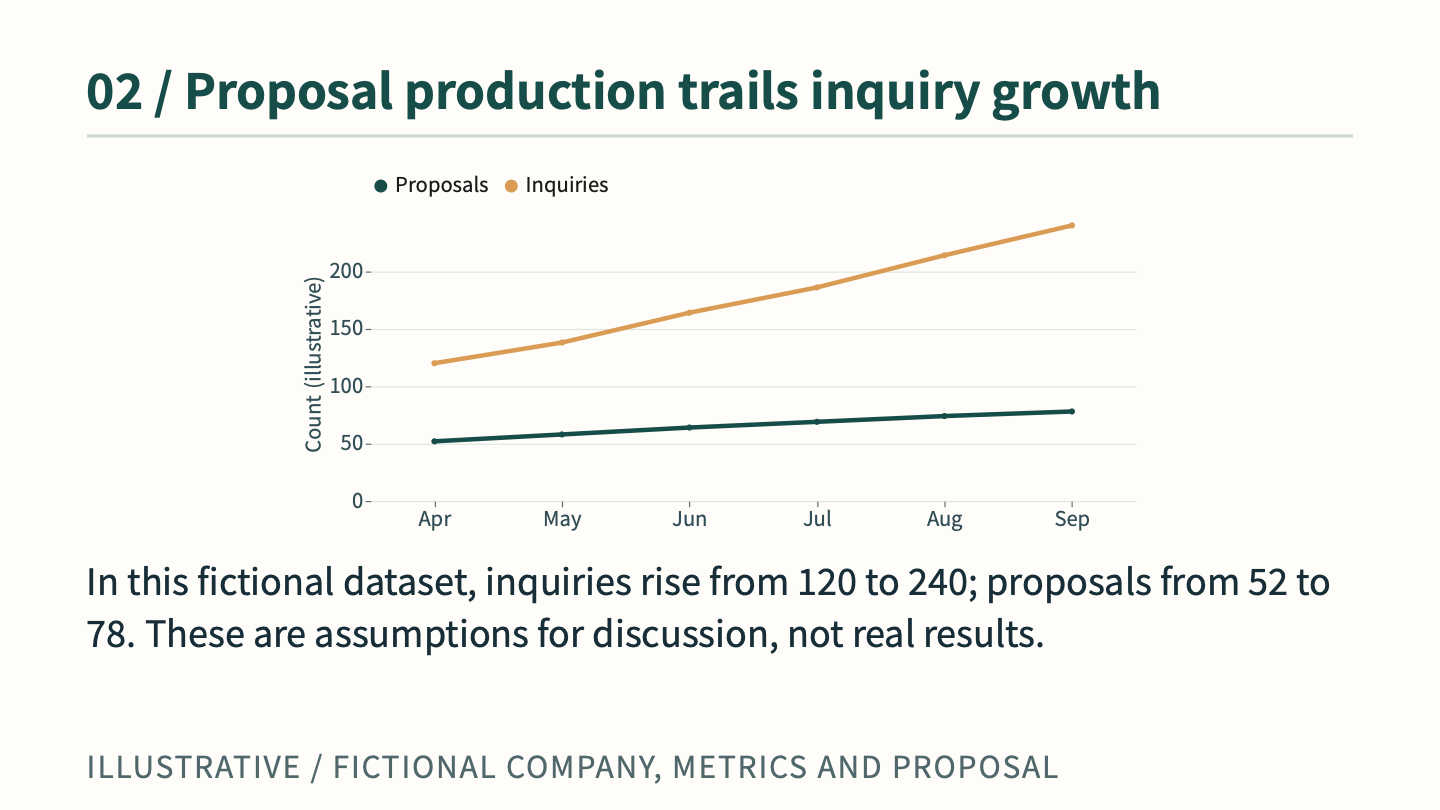 03 / 10Trend chart
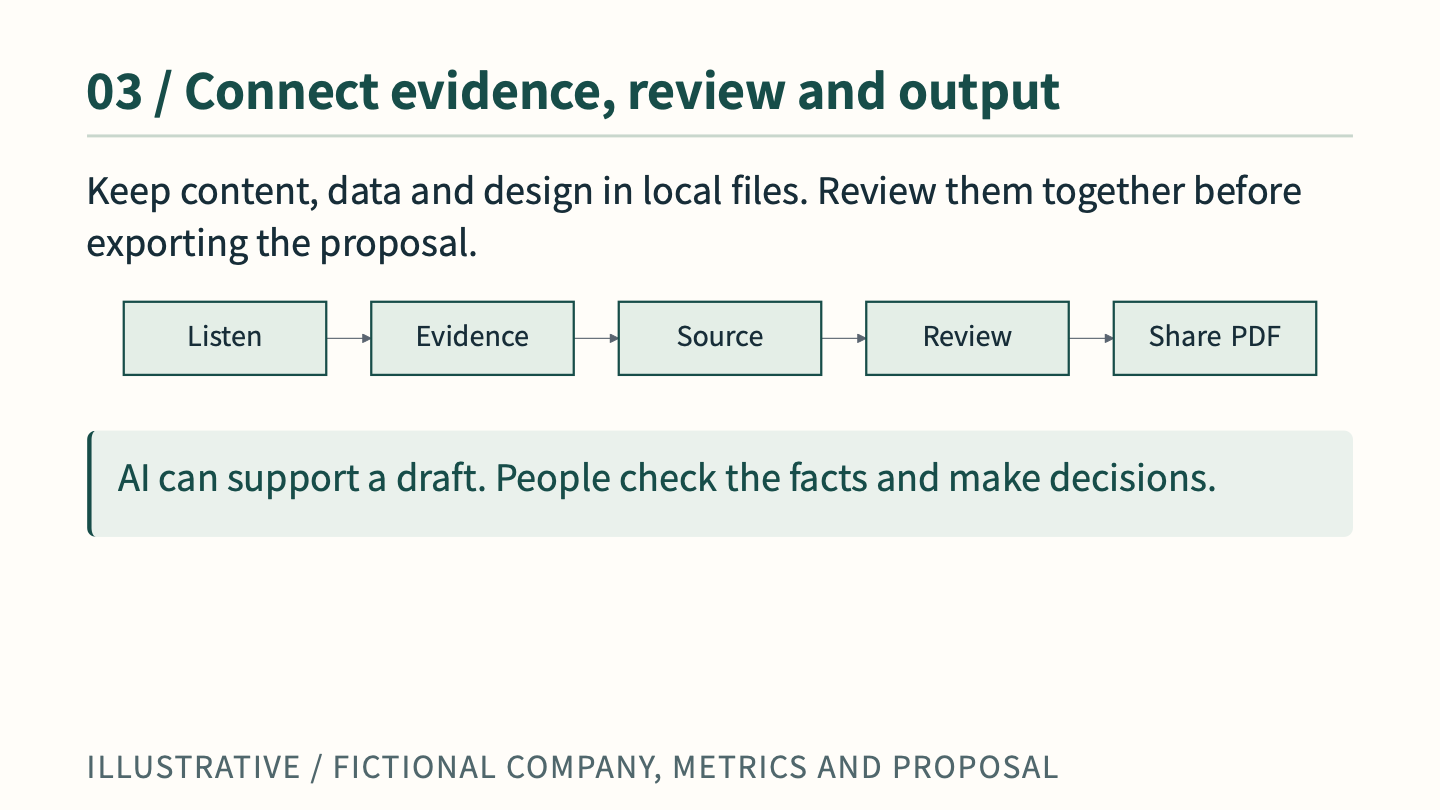 04 / 10Review process
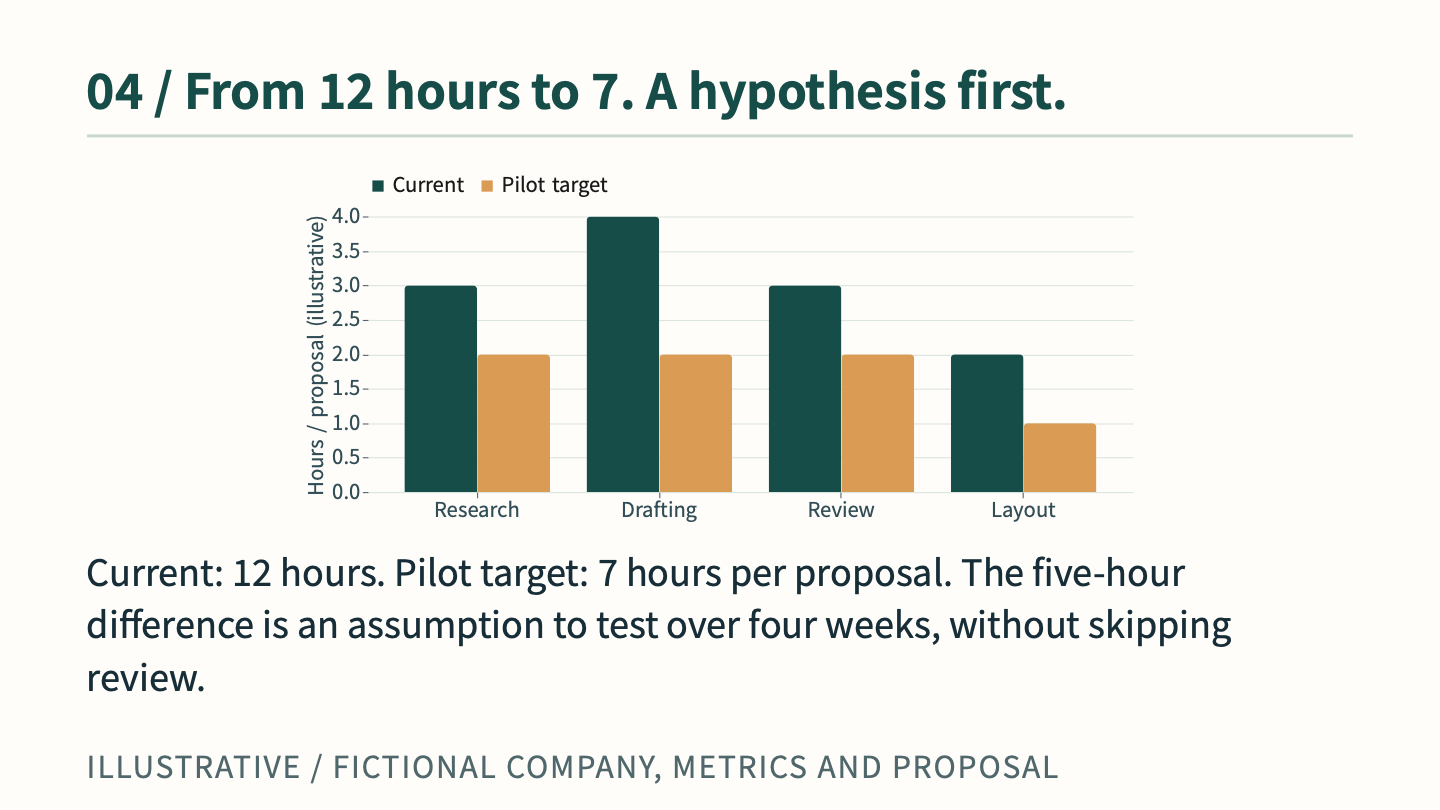 05 / 10Time comparison chart
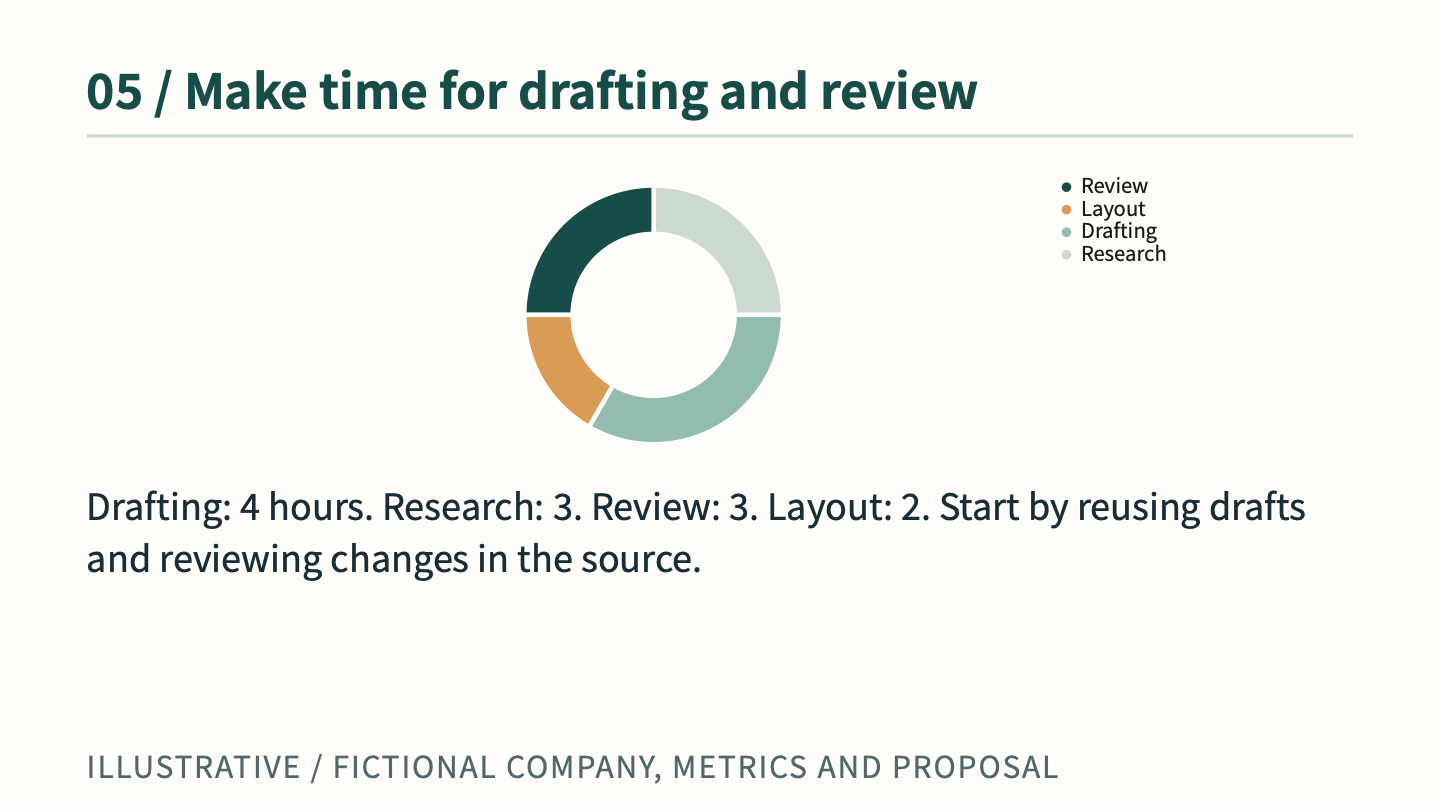 06 / 10Composition chart
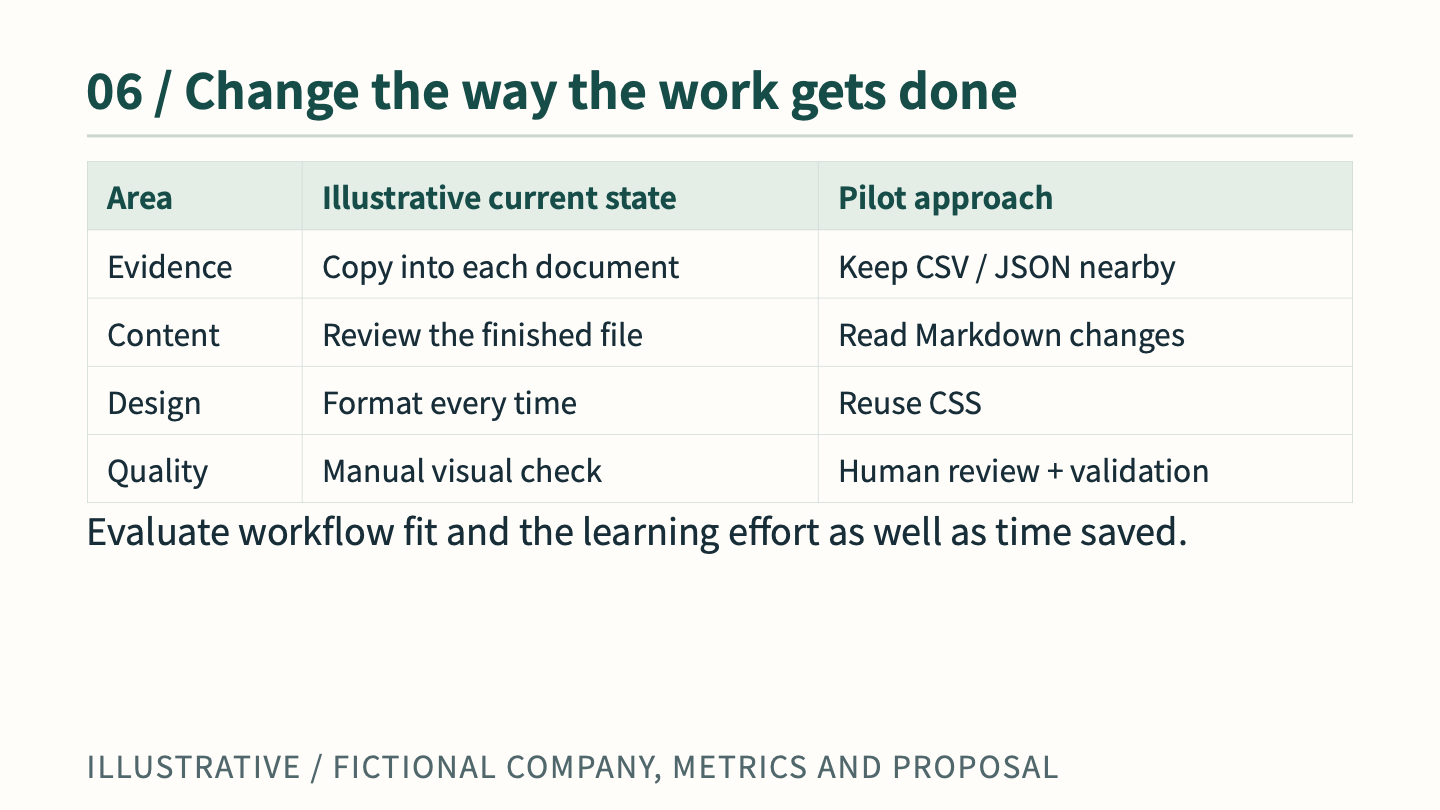 07 / 10Comparison table
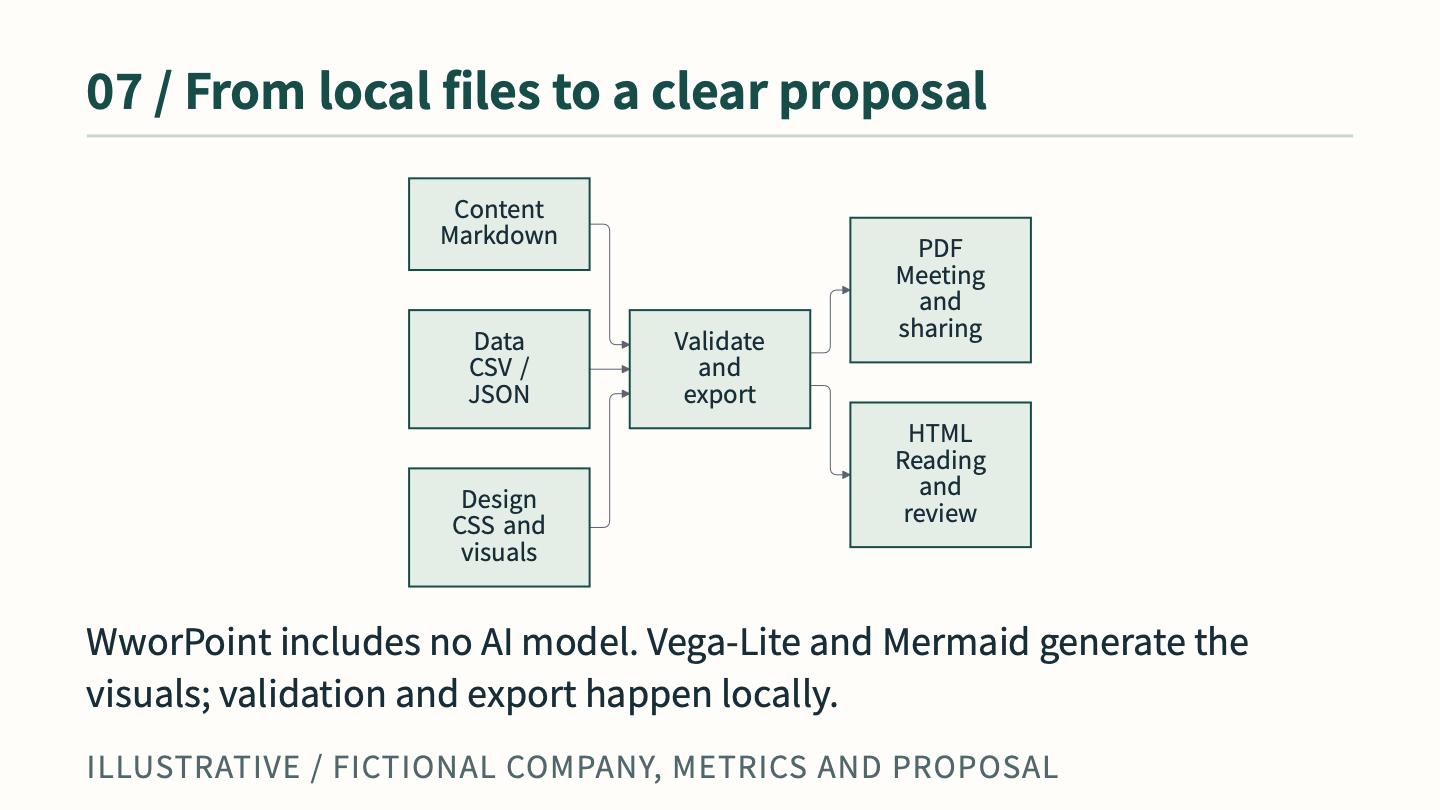 08 / 10Production architecture
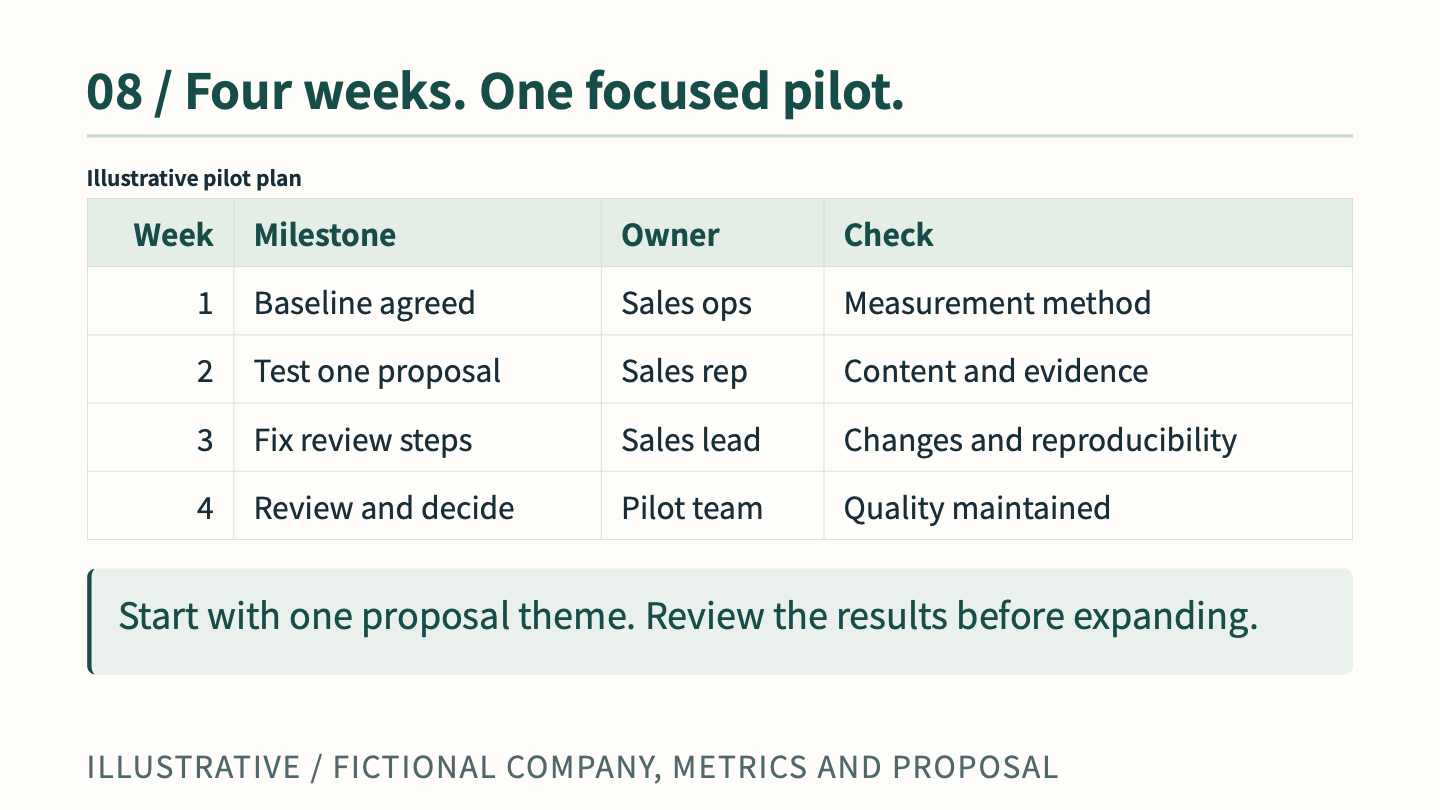 09 / 10Four-week rollout
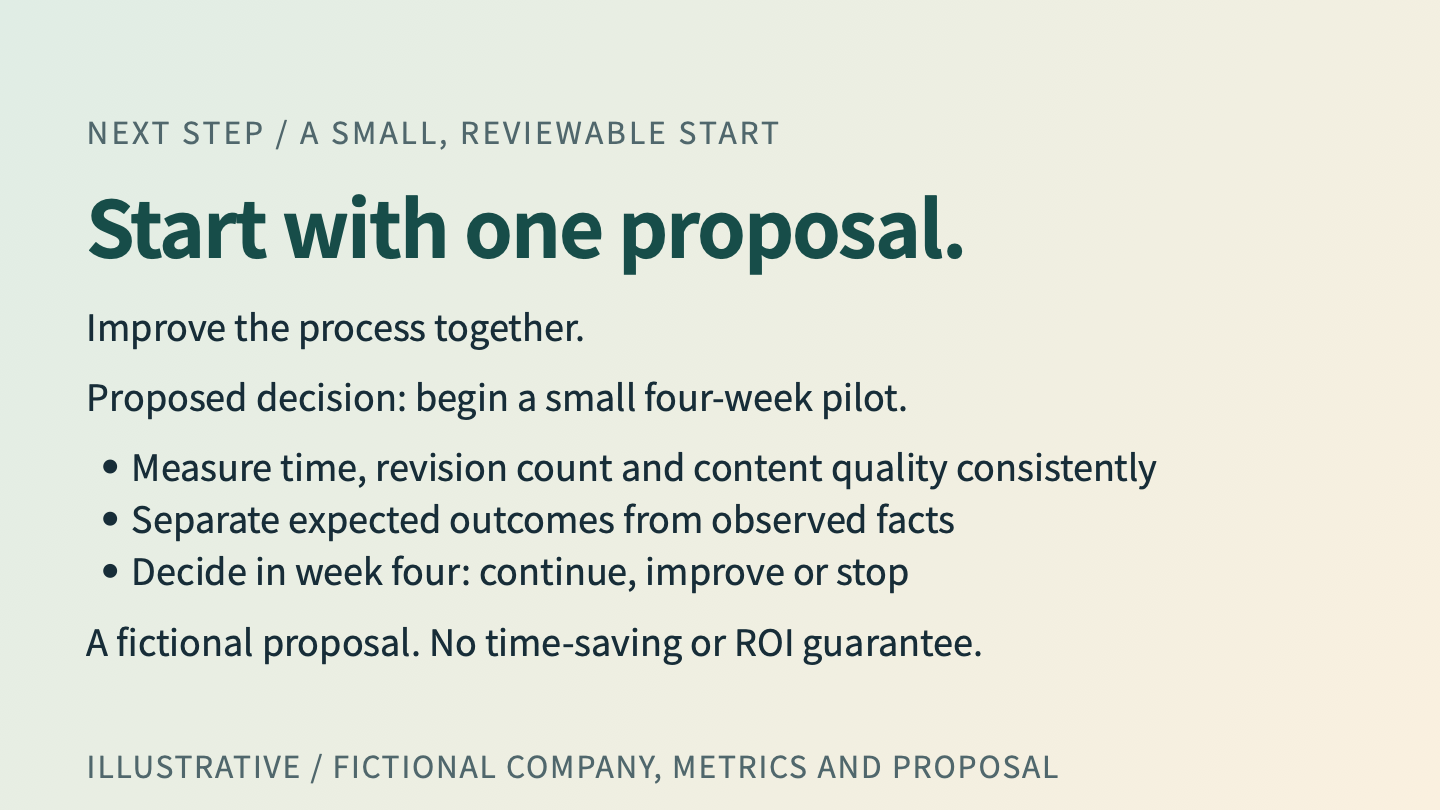 10 / 10Decision and next step
Revise it during the meeting
Section titled “Revise it during the meeting”Use local editing and preview to adapt a proposal during a sales discussion.
In an illustrative meeting, a customer asks to retain three hours of review.
Change the review target in data/hours.csv from 2 to 3 hours, and update the total target in the Markdown from 7 to 8 hours. Update the slide heading “From 12 hours to 7” to “From 12 hours to 8”, and change the stated difference from 5 to 4 hours (12 − 8 = 4).
- Save the revised content and data.
- Inspect the updated local preview; check that the chart, total and explanation agree.
- Review the content, then run WworPoint: Validate and WworPoint: Export when ready (optional CLI:
wwpo validate/wwpo export). - Present the revised PDF or HTML and discuss the next decision.
This is a fictional edit scenario. The downloadable examples above still use the original 7-hour hypothesis. CLI preview follows saved changes; validation and export also use saved files. No processing time, instant export or live collaboration is promised.
The building blocks
Section titled “The building blocks”Markdown, local CSV, Vega-Lite trend/comparison/composition charts, Mermaid process/architecture diagrams, tables and CSS.
The cover inserts an original, text-free AI-generated illustration as a local PNG. It is not a real customer scene or application screenshot. Page 1 source shows the Markdown image reference, shared CSS, image file and origin. The image and provenance are also included in the source ZIP.