Precise business / Page 1 source
Source for page 1 of 1 of the actual generated example. Companies, metrics and proposals are fictional. This excerpt is not a standalone document: it needs the shared theme, configuration and referenced files.
Markdown for this page
Section titled “Markdown for this page”An excerpt of document.md, split at its explicit page boundary. Separate fixed pages with <!-- wwpo:break -->.
document.md
Section titled “document.md”<!-- wwpo:page flow=fixed background=assets/images/background.png -->
# Make a small improvement visible
**FIELD NOTES / Fictional team improvement brief**
<!-- wwpo:block class="illustration-panel" width=100% align=center min-scale=0.3 -->

## This month’s focus
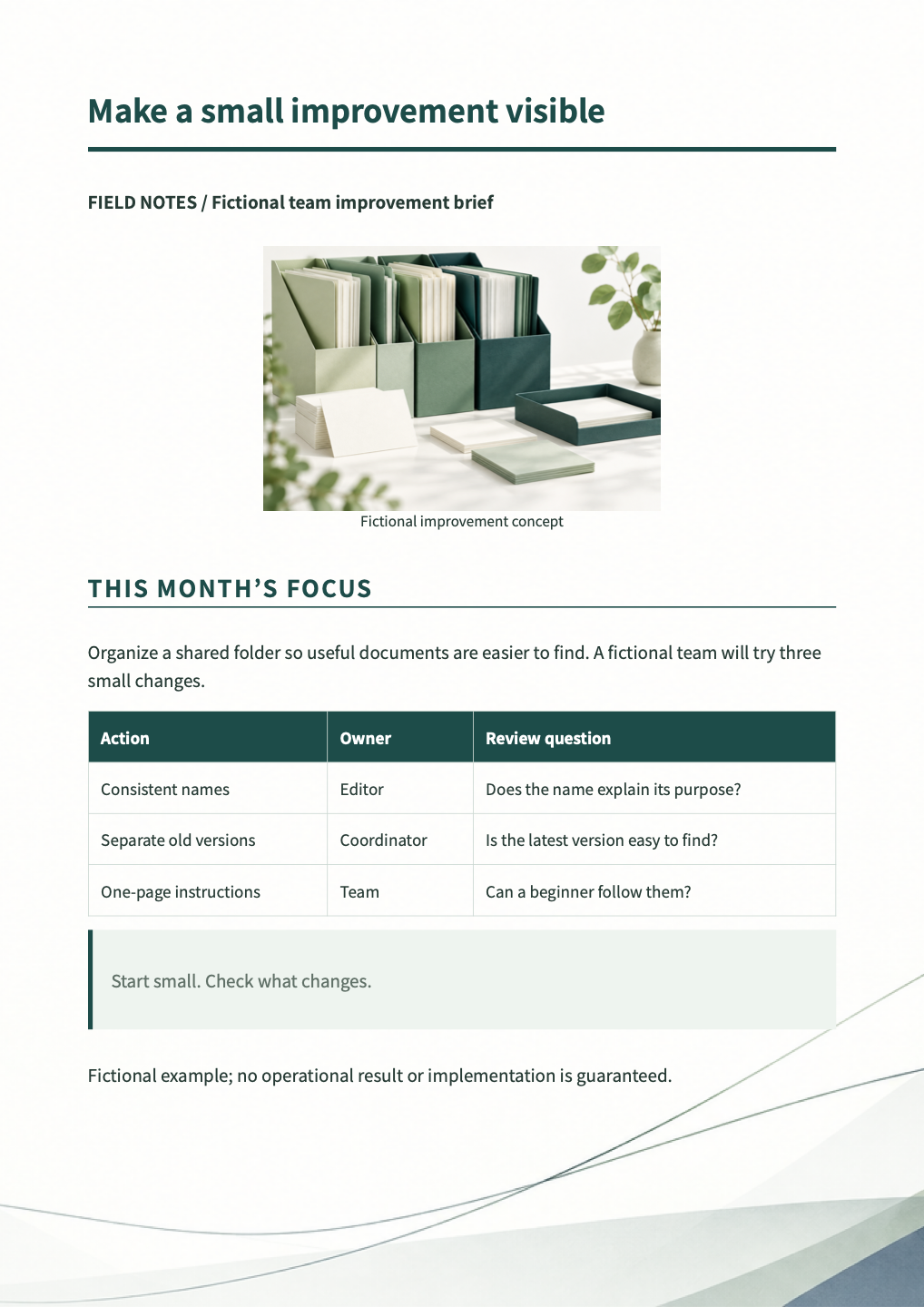
Organize a shared folder so useful documents are easier to find. A fictional team will try three small changes.
| Action | Owner | Review question |
| --- | --- | --- |
| Consistent names | Editor | Does the name explain its purpose? |
| Separate old versions | Coordinator | Is the latest version easy to find? |
| One-page instructions | Team | Can a beginner follow them? |
> Start small. Check what changes.
Fictional example; no operational result or implementation is guaranteed.Referenced visuals and data
Section titled “Referenced visuals and data”assets/images/illustration.png
Section titled “assets/images/illustration.png”Open image file · Origin and provenance

Original artwork created for this fictional sample; not a real brand, product or person. The source ZIP contains images and generation provenance.
assets/images/background.png
Section titled “assets/images/background.png”Open image file · Origin and provenance

Original artwork created for this fictional sample; not a real brand, product or person. The source ZIP contains images and generation provenance.
Design and reproduction
Section titled “Design and reproduction”Headings, spacing, color, tables and page footnotes use the shared CSS and business preset. Page directives and visual definitions shown above also affect the output. The source ZIP on the example overview contains the complete document and required files. Save changes, then preview, validate and export to check them.